
FREE TECH CLASSES
2026 · APPLE · MICROSOFT · GOOGLE
Cover image: Ketut Subiyanto / Pexels. Illustrative only; not a provider endorsement.
Last checked: October 11, 2026. You do not have to buy an expensive technology course before learning useful digital skills. Three official options—Today at Apple, Microsoft Learn and Google Skillshop—offer free instruction in different formats. The first is usually a scheduled in-person experience, while the others emphasize flexible online learning. Free training is not the same as a free professional certification exam, a new device, or a paid advertising campaign.
Happy Perks Calendar is an independent U.S. consumer information site. This original guide helps you select a learning opportunity without confusing a free class with a paid product, credential or subscription.
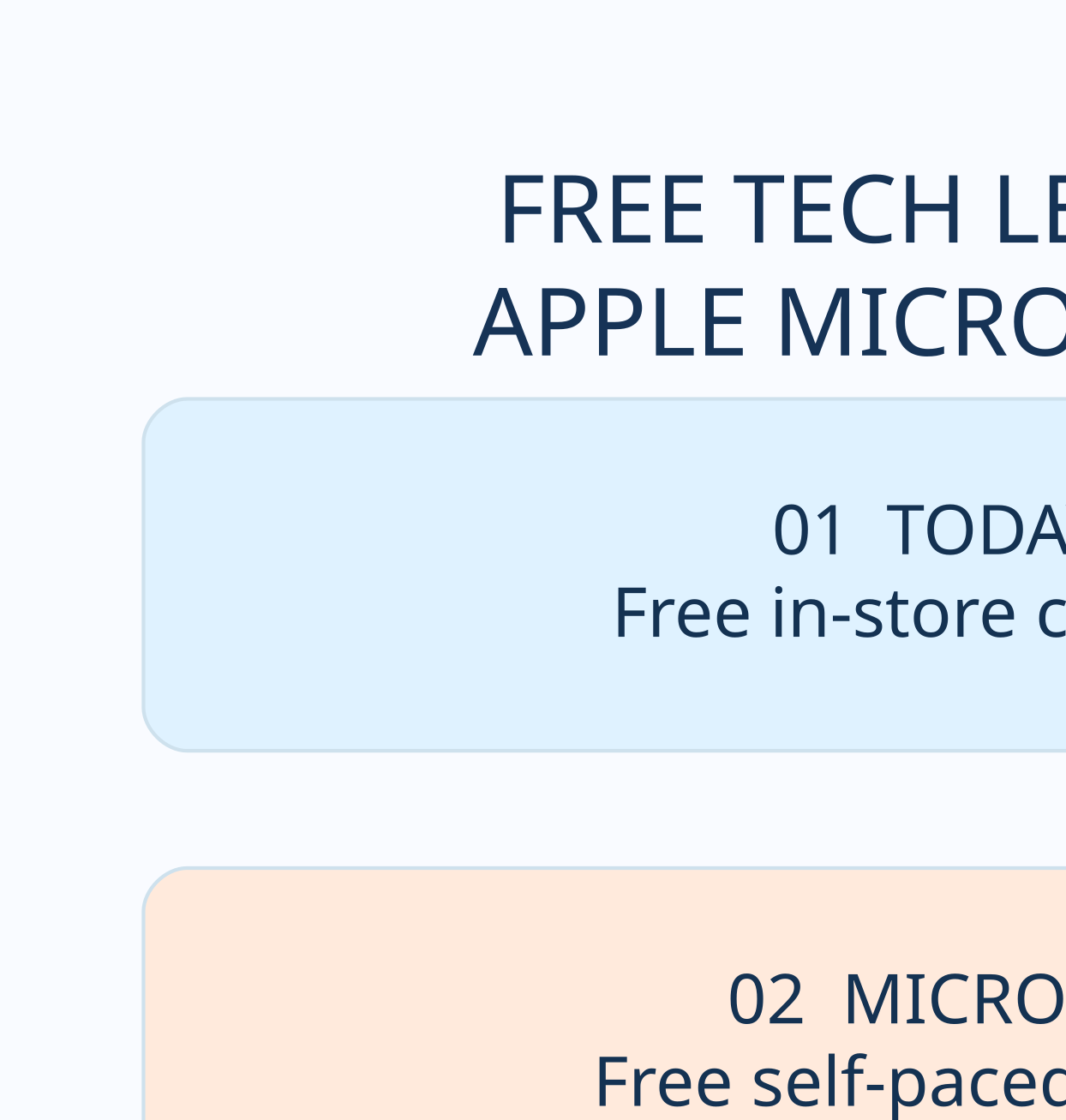
Quick comparison: what is actually free?
| Free learning platform | How you learn | Cost to watch or attend | Common extra cost |
|---|---|---|---|
| Today at Apple | In-person creative sessions at selected stores | $0 for officially listed free sessions | Travel, device or optional purchases |
| Microsoft Learn | Self-paced online tutorials | $0 for learning content | Separate professional certification exams |
| Google Skillshop | Self-paced Google product lessons | $0 for Google Ads training | Real Google Ads campaign spending, if chosen |
Apple Today at Apple: free creative sessions at participating Apple Stores. It suits people interested in iPhone photography, iPad drawing or Mac basics. A nearby store, open time slot or compatible device can be necessary.
Microsoft Learn: free self-paced training modules and pathways about AI, cloud, Power Platform and other workplace technology. Microsoft professional certification exams are separate and often priced.
Google Skillshop: free online Google Ads training and official product learning. Learning Google Ads does not include or require paying to run a real advertising campaign.
1. Today at Apple: a free creative session near you
Apple says its Today at Apple program offers free in-store sessions. Topics vary by location, from smartphone photography and filmmaking to drawing, device accessibility and basic product skills. A store may have several events in a week or none suited to your schedule. Do not assume that a class advertised in a different city is being held at your nearest store.
At New York City’s Apple Grand Central store, for example, the current Today at Apple page lists beginner device sessions and creative activities. This is one example of the types of events, not a national event schedule or guarantee of a place.
- Visit https://www.apple.com/today/ and choose a nearby participating store.
- Pick a specific event and read its date, duration, skill level and age guidance.
- Check whether reservation is needed and whether to bring equipment.
- Book only through Apple’s official calendar if the session offers registration.
- Recheck event details before traveling because activities and availability change.
The lesson can be free while parking, transportation, optional products and personal equipment may still cost money. The event is not a giveaway of an iPhone, iPad or Mac.

2. Microsoft Learn: start from a free beginner module
The official Microsoft Learn FAQ says its training content is free to people interested in Microsoft technologies. Its self-paced training catalog includes step-by-step modules in artificial intelligence, cloud computing, security, data concepts and simple business automation. Many lessons can be viewed without a paid membership.
Visit https://learn.microsoft.com/en-us/training/ and search for the specific skill you want. Use beginner filters, read the prerequisites and estimated duration, and select a manageable module rather than paying for a large course bundle before understanding the basics.
- Choose one practical task, such as understanding a cloud service or building a simple Power Automate workflow.
- Find an introductory module with a clear learning goal and short estimated duration.
- Follow the examples and keep a brief note about what you practiced.
- Use a free Learn account to track progress when useful.
- Return to the official module page rather than following a copied ‘certificate processing’ link.
An important distinction: studying for a Microsoft credential is not the same thing as taking its exam. Microsoft’s certification FAQ explains that professional exam fees vary by location and credential; special promotions may exist, but free study materials do not guarantee a no-cost exam.
3. Google Skillshop: learn advertising tools without spending on ads
Google’s official Skillshop Google Ads page promotes free online advertising training that covers concepts such as search ads, measurement, display campaigns, advertising audiences and campaign planning. Its lessons are made for people who want to understand how Google’s tools operate, not a promise that completing a class will produce a job or business revenue.
Explore https://skillshop.withgoogle.com/googleads/ for the Google Ads learning area, or https://skillshop.withgoogle.com/ for product-specific training links including Google Analytics and Business Profile resources. The individual certification or assessment rules may differ by product.
- Start with a beginner learning topic rather than opening a paid advertising account.
- Work through the no-cost lesson, taking notes on the meaning of its main measurements.
- Practice with a hypothetical example rather than charging a real payment card.
- If you want a certification, check current assessment requirements on the official page.
- Only run paid ads if you separately decide the budget and actual advertising goal justify them.
Google Ads training and advertising spending are separate. A no-cost Skillshop lesson does not mean an advertising campaign or paid business tool will also cost zero.
4. Which course fits your goals?
For a hands-on photography or drawing experience, search a Today at Apple session nearby. For structured beginner-level technology study without traveling, choose a Microsoft Learn module. For advertising and measurement skills, start with Google Skillshop. If your goal is a credential, review the specific certificate or exam requirements and fees before committing to any path.
A family could also find local library learning benefits, but those require their library’s membership and service availability. A free Apple session and a Microsoft Learn module are not the same kind of class; select based on what you will actually use.
5. A realistic example of potential savings
Imagine an independent online course costs $79 and a free Microsoft Learn beginner module covers the exact foundational topic the learner needs. If the official free module satisfies the goal, avoiding the optional $79 course may save $79. These numbers are hypothetical and do not imply that the programs deliver identical tutoring, instructor support or certification. A useful free lesson is valuable because of the knowledge gained, not because a site claims a high discount percentage.
Today at Apple lists free session registration, but attendees still need to consider their trip and compatible devices. Google Skillshop’s Google Ads learning is free, while any later ad budget is a separate choice. Comparing the complete commitment matters more than a giant ‘100% free’ banner.
6. Seven checks before signing up
- Verify the exact official website, not a sponsored copycat claiming to represent a technology company.
- Read the selected course or session details; free programs can have limited event seats or prerequisites.
- Separate lesson access from purchases such as devices, cloud usage, extra tutoring and exams.
- Check whether the program offers a learning badge, course achievement or formal accredited credential.
- Never pay an unknown intermediary a ‘free lesson activation’ fee.
- Be skeptical of guaranteed employment, salary or income claims tied to short introductory classes.
- Save the original lesson link and schedule to revisit before attending.
7. A simple free-learning calendar
A reader who can spare half an hour each week could take one Microsoft Learn module on Monday, a free Skillshop introduction on another day if marketing is relevant, and a Today at Apple session whenever there is a convenient local event. You do not need to use every service. Set one goal for each lesson and practice it at home or in a small project.
For more value, use a notebook to record the skill, official URL, any prerequisite and the next action. If a credential interests you, determine whether it is a free participation badge, a platform certificate or a paid professional examination. These are different.
Frequently asked questions
Q: Are Today at Apple sessions really free? Yes, Apple describes free in-store sessions, subject to the chosen event’s availability and instructions. Optional products or travel are separate.
Q: Does Microsoft Learn charge for beginner modules? Microsoft’s official FAQ says Learn training is free. Separate professional exam fees can still apply.
Q: Must I pay for Google advertising to use Skillshop? No. Official Google Ads training is free; actual campaigns are separately funded.
Q: Are these programs available in every U.S. town? Online Microsoft Learn and Skillshop can be accessed remotely, but an Apple Store event needs a participating local store and available session.
Q: Will these courses guarantee a job? No. They are educational opportunities, not employment or income guarantees.
Related Happy Perks Calendar guides
For more ways to learn without a new subscription, read our U.S. library card learning perks guide. Before purchasing a device, compare student education prices or teacher discounts. Use the Deal Reality Check if a paid course promises unusual results.
Official sources reviewed
- Today at Apple official free classes
- Today at Apple Grand Central events
- Microsoft Learn official training catalog
- Microsoft Learn training cost FAQ
- Microsoft certification exam fee FAQ
- Google Skillshop official free Google Ads training
- Google Skillshop official product catalog
Independent editorial note: Happy Perks Calendar is not affiliated with Apple, Microsoft or Google. We do not issue qualifications, provide training enrollment or receive student documentation. Current classes, certification rules and local event calendars may change.
Share this guide
Know someone who could use these official-source checks? Share the link. Terms and availability may change.

