
U.S. EDUCATION SHOPPING GUIDE · 2026
STUDENT DISCOUNTS
THAT ACTUALLY FIT
Apple · Samsung · Microsoft
Eligibility · Verification · Final checkout price
Illustrative AI-generated cover image; it does not show actual checkout prices, retailer endorsements or verified purchases.
At a glance: 3 checks before buying
Start here even if a sale badge looks impressive. A lower advertised price is useful only when you qualify and the final cost is actually lower.
1. WHO QUALIFIES?
Student, parent and staff eligibility differs by retailer. Read the current U.S. program rules.
2. HOW TO VERIFY?
Use the official education store and the verification method it offers. Avoid unofficial ID-upload links.
3. WHAT DO YOU PAY?
Compare the exact model, limits, tax, shipping, returns and whether promotions combine.
Decision rule: Check the official education price and regular checkout price on the same day for the identical item. Examples are educational, not live prices.
Last verified: October 10, 2026. Education discounts can help U.S. students, parents and teachers shop for eligible electronics. But Apple, Samsung and Microsoft use different eligibility rules, verification methods and product exclusions. This independent guide shows how to compare them before paying.
Quick comparison
| Program | Who may qualify | How to verify | Important limits |
|---|---|---|---|
| Apple Education Store | Eligible college students and accepted students, their purchasing parents, and qualifying education staff including K–12 teachers | UNiDAYS verification during checkout | Product categories and yearly quantity limits apply; seasonal gift-card offers are separate |
| Samsung Education Offers | Eligible students, teachers and education staff | Eligible school email or ID.me; Samsung account required | Verified-member pricing varies and offers may not combine |
| Microsoft education discount | Eligible K–12 and college students, parents and faculty | Eligibility check with a personal Microsoft account | 10% on eligible selected products; many software, games and subscriptions are excluded |

1. Apple: Education pricing and seasonal offers are not the same
Apple’s U.S. education store offers special pricing to eligible college students, accepted students, parents purchasing for qualifying college students, and qualifying school employees. During checkout, Apple currently asks for UNiDAYS verification; check the U.S. store for current eligibility requirements.
Do not confuse everyday education pricing with a limited-time back-to-school gift-card promotion. Apple’s 2026 College Student Offer ended September 24, 2026; that expired promotion should not be described as currently active.
- Start at Apple’s official U.S. Education Store.
- Check the specific product’s displayed education price and current stock.
- Review the official eligibility and quantity terms and follow the verification instructions before paying.
- Compare that final price with regular-store pricing and any other publicly available current offer.
2. Samsung: Verify before expecting member-only pricing
Samsung’s U.S. Education Offer Program uses eligible academic email credentials or an approved identity-verification partner such as ID.me. Students and education staff should confirm their account and available verification path. Displayed member prices and extra promotions can vary by product and date.
- Visit the official Samsung Education Offers page.
- Choose the permitted verification method; use your own valid credentials.
- Sign into your Samsung account before comparing final product and trade-in prices.
- Check exclusions: member-only offers may be limited in time and may not stack with other promotions.
3. Microsoft: A selected-product discount, not an across-the-store coupon
Microsoft describes a 10% education discount on qualifying selected hardware and accessories for eligible students, parents and educators. It says digital games, Xbox items, Windows software, Microsoft 365 subscriptions and several other products are excluded from this particular store discount. Separate educational software arrangements may have different terms.
- Open Microsoft’s official Education Store.
- Check eligibility using the personal Microsoft account specified by Microsoft.
- Look at the final price of the exact laptop, Surface or eligible accessory.
- Compare with any other promotion. Microsoft says its education discount does not combine with other offers; the deeper applicable discount is used.
Which program fits your purchase?
| Your situation | First check | Why |
|---|---|---|
| Incoming U.S. college student shopping for a laptop | Apple and Microsoft, then Samsung | Each may offer a qualifying device price, but verification and exclusions differ. |
| K–12 teacher replacing a personal computer | Microsoft and Samsung; Apple if eligible | Teacher eligibility and product coverage differ by brand. |
| Parent buying a device for an enrolled student | Apple and Microsoft eligibility terms; Samsung if qualifying | Parent eligibility is explicitly described by Apple and Microsoft; Samsung verification varies. |
| Comparing a phone or tablet | Samsung and Apple’s eligible product rules | Check device-specific discounts, trade-ins, stock and purchase limits. |
Example: calculate the real savings rather than relying on a badge
Suppose an eligible laptop has a regular current price of $1,000 and a verified final price of $930. The illustrative difference is $70, or 7%. This is a math example, not a claim about a current Apple, Samsung or Microsoft offer. Compare tax, shipping, trade-in value, return conditions and whether another public sale is better.
Common mistakes to avoid
- Using last year’s back-to-school bonus as if it is live today.
- Assuming every item receives the same percentage discount.
- Assuming a parent automatically qualifies under every brand’s program.
- Sharing a school login or private verification documents with coupon aggregators.
- Skipping the official terms and total checkout price.
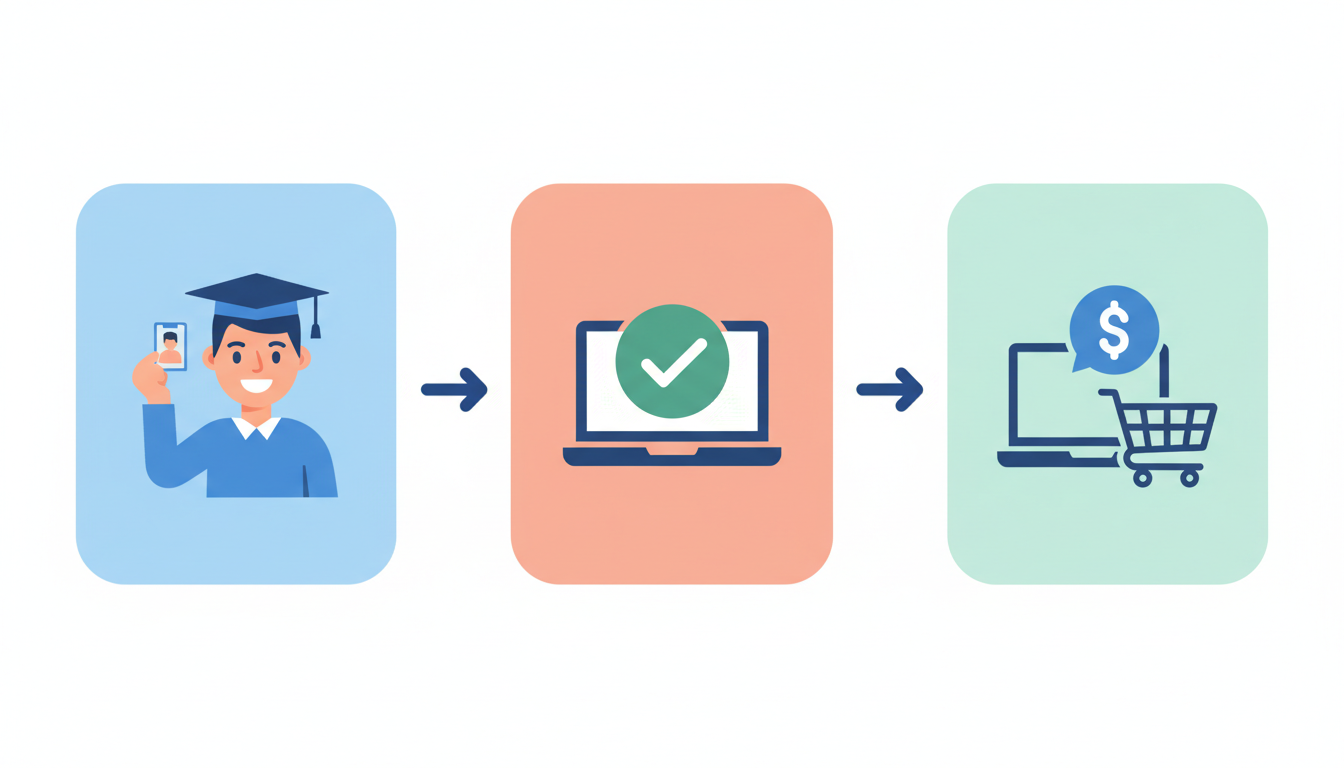
Before checkout: a five-minute checklist
- Confirm the offer is on the retailer’s own U.S. website.
- Confirm that you qualify and can complete verification.
- Check the exact model, seller, warranty and return conditions.
- Compare final eligible price with the regular store and current public promotions.
- Save the official terms and your checkout summary.
Keep saving after you compare education prices
Buying a college laptop near the holiday season? Review our Black Friday 2026 deal checklist to compare the final price against student pricing rather than assuming a sale banner wins. To plan around other U.S. seasonal opportunities, browse the Deals Calendar.
Official sources reviewed
- Apple Education Terms and Conditions
- Apple Education verification and pricing help
- Apple College Student Offer 2026 dates (expired)
- Samsung Education Offers Program
- Microsoft Education Store and eligibility FAQ
Editorial disclosure: Happy Perks Calendar is an independent guide, not affiliated with these manufacturers. Eligibility, exclusions and offer terms may change. Verify prices and terms directly before purchasing.
Share this guide
Know someone who could use these official-source checks? Share the link. Terms and availability may change.

