FREE ELECTRONICS RECYCLING
BEST BUY · STAPLES · APPLE
Illustrative cover photo: ready made / Pexels (Pexels License). Not an official retailer promotional image.
Last checked: October 11, 2026. Clearing a drawer of old chargers, broken headphones, used smartphones or an outdated computer? Several U.S. retailers offer electronics recycling, but a headline saying “free recycling” does not mean every item is free everywhere. Best Buy, Staples and Apple accept different products, and televisions, monitors, printers, batteries, pickup and haul-away may have fees or special rules.
This independent comparison helps you choose the right drop-off route, avoid a wasted trip, protect your personal data, and tell the difference between recycling at no charge and getting a trade-in credit. Always confirm your exact item with the selected retailer or local recycling authority.
Quick comparison: Best Buy, Staples and Apple
| Provider | Commonly eligible free service | Potential fees or limits | Best for |
|---|---|---|---|
| Best Buy | Many small consumer electronics, cables, phones and computing devices within category rules | Certain TVs and monitors may require a fee; oversized products can require paid haul-away; household/item and state rules vary | Households dropping off several ordinary devices |
| Staples | Many small electronics, old computers, cables and selected office/tech accessories | Listed fees for printers, certain monitors and batteries, subject to state exclusions; item acceptance varies | Small computers, cables, office and school supplies |
| Apple Trade In / Recycling | Eligible Apple devices and various related accessories can be recycled free; trade-in is a separate valuation process | Only qualifying devices earn credit; value depends on condition and provider assessment; confirm accepted items | Apple owners who want a secure store or online recycling route |
1. Best Buy: distinguish free drop-off from paid TV recycling
The official Best Buy Recycling page lists many in-store electronics categories that qualify for free household drop-off, including selected cables, chargers, headphones, cameras, phones and computer accessories. The product-specific list, local law and store conditions control what staff will accept.
Its current category pages also list a $29.99 in-store recycling fee for many non-Best Buy-branded televisions up to 50 inches, subject to state-specific exceptions. Insignia or Dynex TVs under the stated size restrictions can follow different rules; some state programs have no such drop-off fees. Do not assume a TV is included because a phone charger is free.
Best Buy’s recycling pages contain different per-day quantity limits for different categories. Many categories mention three items per household per day, while other parts of the site summarize broader limits. Check the limit for your exact item, rather than using a single blanket number for all electronics.
How to verify a Best Buy drop-off
- Open Best Buy’s official recycling categories rather than relying on an old search snippet.
- Select your item type: TV, monitor, laptop, phone, cable, battery or appliance.
- Check the current in-store accepted/not-accepted lists, item sizes and applicable fees.
- Check local and state requirements on the retailer’s page.
- Contact your selected store if the item is unusually large, damaged or difficult to classify.
- Do not confuse an in-store drop-off with a separate paid home haul-away service.
2. Staples: no-cost items and clearly priced exceptions
Staples’ official Recycling Services guide lists categories including many laptops, desktop computers, cables, keyboards, mice, headsets, small tech items, writing tools and other eligible school supplies. Its accepted list also identifies several fee-based categories.
| Staples category | Listed amount in current program | What must be verified |
|---|---|---|
| Many eligible electronics and cables | No standard in-store recycling fee | Check item-specific restrictions and your local store |
| Printer or multifunction device | $9.99 per item in listed fee states | No-fee exceptions in some states |
| Monitor up to stated size limit | $29.99 per item in listed fee states | Size and state-fee exceptions apply |
| Rechargeable or single-use battery drop-off | $2.99 per visit in the listed fee program | Local/state rules and battery condition determine acceptance |
| Shredding | Separate charge per pound | Not free electronics recycling |
Staples lists certain state exemptions for monitor and printer drop-off charges, including California, Connecticut, Illinois, North Carolina, New Jersey, New York, Pennsylvania and Rhode Island. But exceptions can depend on the particular fee and product. Confirm the current service page and your store, because a national chart is not a guarantee of identical terms in every state.
Do not automatically treat Staples Easy Rewards or any promotional recycling credit as a guaranteed cash reward. Separate reward offers have their own member and qualifying-transaction rules; recycling an item for free is not the same as earning a redeemable store credit.
3. Apple: free recycling is different from a cash trade-in
The U.S. Apple Trade In page says it can recycle Apple devices and various eligible accessories free through an Apple Store or Apple’s published online options. Some used devices may qualify for trade-in credit, while others have no value and are simply recycled. The estimate depends on exact model, working order and condition.
If an item has no trade-in value, Apple’s free recycling is still a service—not a promised cash payment. You should also understand whether the selected device is being traded in for credit toward a purchase, returned for an Apple Gift Card under terms, or simply recycled.
Before bringing a device to Apple
- Check the Apple Trade In page for the exact product category and accepted recycling route.
- Back up files, photos and account information you want to keep.
- Sign out of relevant accounts and remove security locks as instructed for transfer or recycling.
- Delete personal data according to the device maker’s official preparation guide.
- If you have a trade-in estimate, understand that inspection can change the final value.
- Do not assume store staff will restore data or provide a device once you have accepted permanent recycling.
4. The important privacy checklist before drop-off
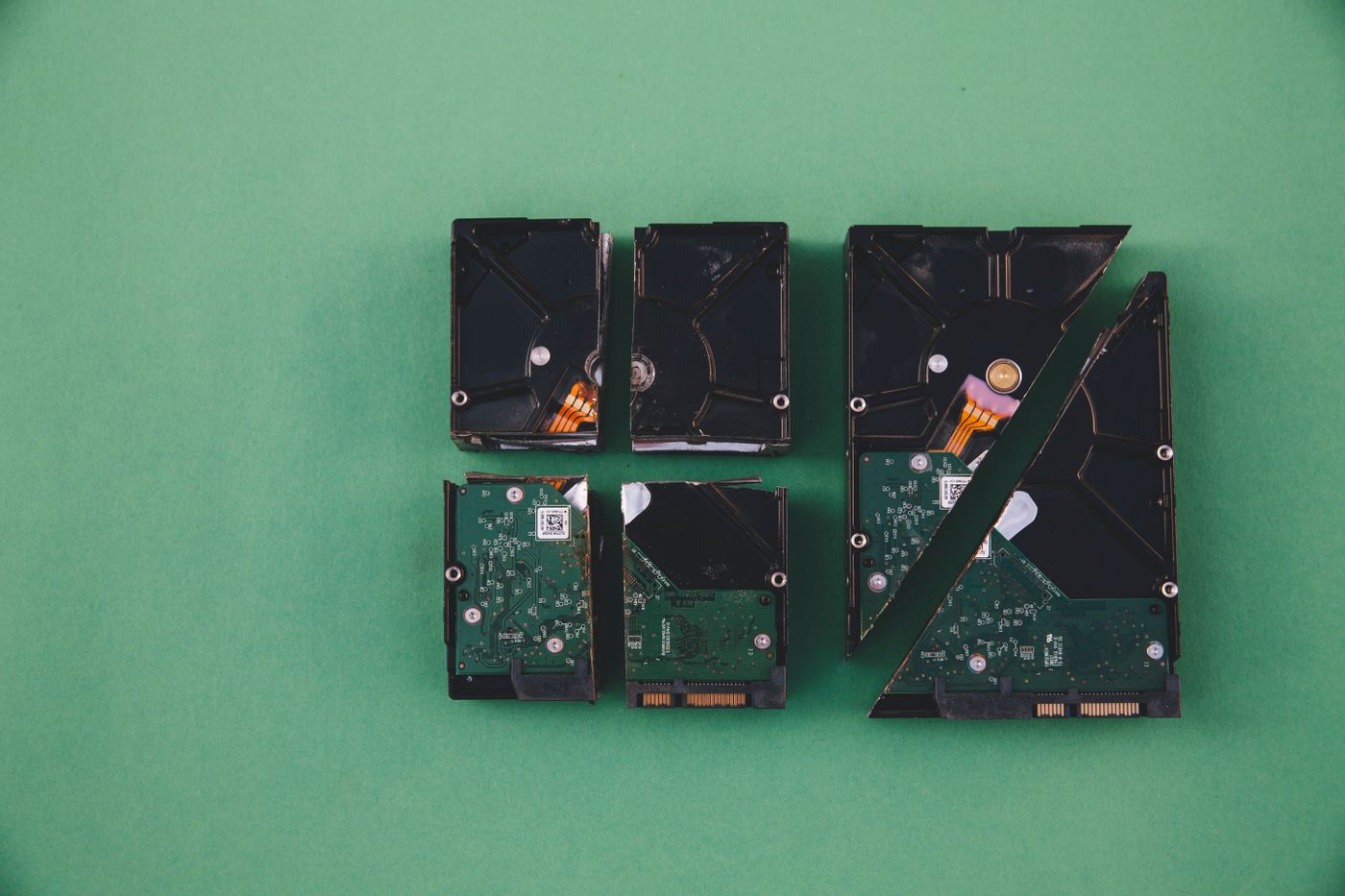
A discarded laptop or phone may still store passwords, saved messages, photos, payment records and account sessions. Before handing it over, back up needed information and use the manufacturer’s recommended data-erasure process. A factory reset may be one of the steps, but security needs vary with device type, encryption and condition.
- Move photos, contacts, accounts and documents you wish to preserve.
- Check whether device encryption and secure-erasure options are available.
- Sign out and remove the device from relevant cloud accounts and device-finding services as instructed.
- Remove SIM and memory cards where they are accessible and safe to remove.
- Reset/wipe the device using the manufacturer’s official instructions.
- If the device will not turn on, ask the recycler about a secure data-destruction option before drop-off.
- Never give a stranger your account password to obtain a supposed recycling reward.
5. Lithium batteries need a separate safety check
The U.S. Environmental Protection Agency warns that lithium-ion batteries and battery-powered devices should not be placed in ordinary household garbage or curbside recycling. Damaged batteries can pose a fire hazard. EPA advises taking them to a dedicated battery or electronics recycler or household hazardous waste program. When safely handling loose batteries, nonconductive terminal tape or separate bags can reduce short-circuit risk.
See the EPA battery handling guidance. If a battery is swollen, punctured, leaking or integrated into a device, do not cut it open or attempt unsafe removal. Contact a qualified service provider, manufacturer or local hazardous-waste program for suitable handling instructions.
6. Which recycling method makes sense for your old item?
| What you have | First place to check | Important follow-up |
|---|---|---|
| Old cables, chargers and headphones | Best Buy or Staples | Check that your store accepts the particular accessory |
| Laptop, tablet or desktop computer | Best Buy, Staples or Apple for eligible products | Back up and erase personal data first |
| Old Apple device with possible resale value | Apple Trade In | Compare estimated credit to the value of keeping or selling it; credit is not guaranteed |
| Large television or monitor | Best Buy, Staples or local municipal e-waste program | Price the specific size and fee; city events may be more economical |
| Loose rechargeable battery | Specialized battery recycler or local hazardous waste facility | Follow EPA fire-safety handling; retail program fees may apply |
7. Example: the ‘free’ trip that turns expensive
Imagine a family has three old charging cables and a 45-inch third-party television. The cables might qualify for free drop-off, but the television may trigger a recycling fee under that location’s terms. If the family drives a long way without checking, the trip may be more expensive or the item may be rejected. This illustrates why the exact product and state matter; it is not a live price quote.
Before buying a new screen, check whether a retailer offers a separately priced haul-away service or whether your city holds periodic public e-waste collection events. Do not assume municipal recycling is always free or accepts every electronic product.
Frequently asked questions
Can I recycle every old TV at Best Buy for free?
No. Its official list has fees, size limits, brand exceptions and state-specific variations. Check your actual TV model and local store before traveling.
Is everything on Staples’ recycling list free?
No. Its official listing includes separate charges for certain printers, monitors, battery drop-off and shredding, with applicable local exceptions.
Will Apple pay me for an old device that cannot be traded in?
No guaranteed payment. Apple may recycle an eligible item for free even if the device has no qualifying trade-in credit.
Can I put a lithium-ion phone battery in curbside recycling?
No. EPA directs consumers to a specialized battery/electronics recycling route or a suitable hazardous-waste program because household waste processing can create fire hazards.
Do I need to erase a phone first?
You should use its manufacturer’s official backup, account removal and data-erasure instructions before transfer or recycling where possible. If it is damaged or will not power on, ask a qualified recycler about secure destruction.
Related guides for smarter technology spending
If you are replacing a laptop or tablet, compare student education pricing, retailer price-match policies, and our Deal Reality Check. The goal is to save money and handle old electronics responsibly without assuming a promotional reward exists.
Primary sources reviewed
- Best Buy — Accepted Electronics, Limits, TV Fees and State Rules
- Staples — Accepted Recycling Items and Fee Schedule
- Apple — U.S. Trade In and Free Recycling
- U.S. EPA — Used Household Batteries
- U.S. EPA — Lithium-Ion Battery Recycling and Safety
Editorial independence: Happy Perks Calendar does not accept electronics, sell retailer recycling services or guarantee trade-in credit. Store acceptance, fees, state requirements and credit valuations can change. Confirm the exact service and your product before dropping it off.
Share this guide
Know someone who could use these official-source checks? Share the link. Terms and availability may change.

